Understanding the Importance of Live-Streaming Your 2026 Quinceañera
The Quinceañera is a cherished tradition celebrating a young Latina girl’s transition into womanhood on her 15th birthday. However, with family members often spread across different cities and countries, not everyone can attend this milestone event in person. Live-streaming your 2026 Quinceañera allows loved ones abroad to share in the excitement and joy, no matter where they are in the world. In this guide, we’ll walk you through everything you need to know to successfully live-stream your Quinceañera, ensuring a seamless and memorable experience for your family and friends overseas.
Why Live-Stream Your Quinceañera?
Live-streaming offers numerous benefits, especially for large family celebrations like Quinceañeras:
- Connect with distant family: Include loved ones who can’t attend due to distance, health restrictions, or travel limitations.
- Create lasting memories: Record and share the entire event, allowing family members to revisit the celebration anytime.
- Cost-effective option: Reduce travel and accommodation expenses for guests while still involving everyone.
- Inclusive experience: Enable interactive participation through live chats and virtual guestbooks during the event.
Preparing to Live-Stream Your 2026 Quinceañera
Successful live-streaming begins with thorough planning. To ensure your Quinceañera broadcast runs smoothly, start preparations months in advance.
Choose the Right Platform
Selecting the best live-stream platform depends on your audience size, technical skills, and privacy preferences. Popular options include:
- Facebook Live: Easily accessible if your family uses social media, but might have privacy concerns.
- YouTube Live: Ideal for larger audiences with public or unlisted event options.
- Zoom or Google Meet: Best for more interactive sessions with smaller groups who can join via invitation.
- Dedicated live-stream services: Platforms like Eventifai provide tailored event streaming with professional support and customization options.
Consider testing your chosen platform beforehand to get familiar with its features and troubleshoot any issues.
Check Your Internet Connection
High-speed and stable internet is crucial to avoid interruptions. Here are tips to ensure reliable connectivity:
- Use a wired Ethernet connection instead of Wi-Fi for better stability.
- Run a speed test and aim for at least 10 Mbps upload speed.
- Inform your internet service provider about your event for potential temporary upgrades.
- Have a backup internet source (like a mobile hotspot) ready in case of emergencies.
Invest in Quality Equipment
To capture the beauty and emotion of your Quinceañera, use professional or semi-professional audio-visual gear:
- Camera: Use a high-definition camera, DSLR, or a quality smartphone with good video capabilities.
- Microphones: Lapel or shotgun microphones improve audio clarity, especially for speeches and vows.
- Tripod or stabilizer: Keep the camera steady for smooth video footage.
- Lighting: Ensure the venue is sufficiently lit to avoid grainy or dark video.
How to Set Up and Execute Your Live-Stream
Designate a Crew or Host
Assign a tech-savvy family member or hire a professional to manage the live-stream setup and monitor the broadcast during the event. The crew should be responsible for:
- Operating the camera and audio equipment.
- Managing the streaming platform and monitoring chat or comments.
- Troubleshooting technical issues on-the-fly.
Prepare Multiple Camera Angles
Using multiple cameras can provide dynamic views of the event:
- Main camera capturing the central ceremony.
- Secondary camera focusing on guests for reactions.
- Close-up shots for special moments like dancing or speeches.
Switching between angles can create a professional and engaging viewing experience for remote guests.
Schedule a Walkthrough Before the Big Day
Conduct a full rehearsal with your crew and platform to check lighting, audio, streaming quality, and transitions. This also gives an opportunity to train those unfamiliar with the tech.
Enhancing the Viewer Experience for Family Abroad
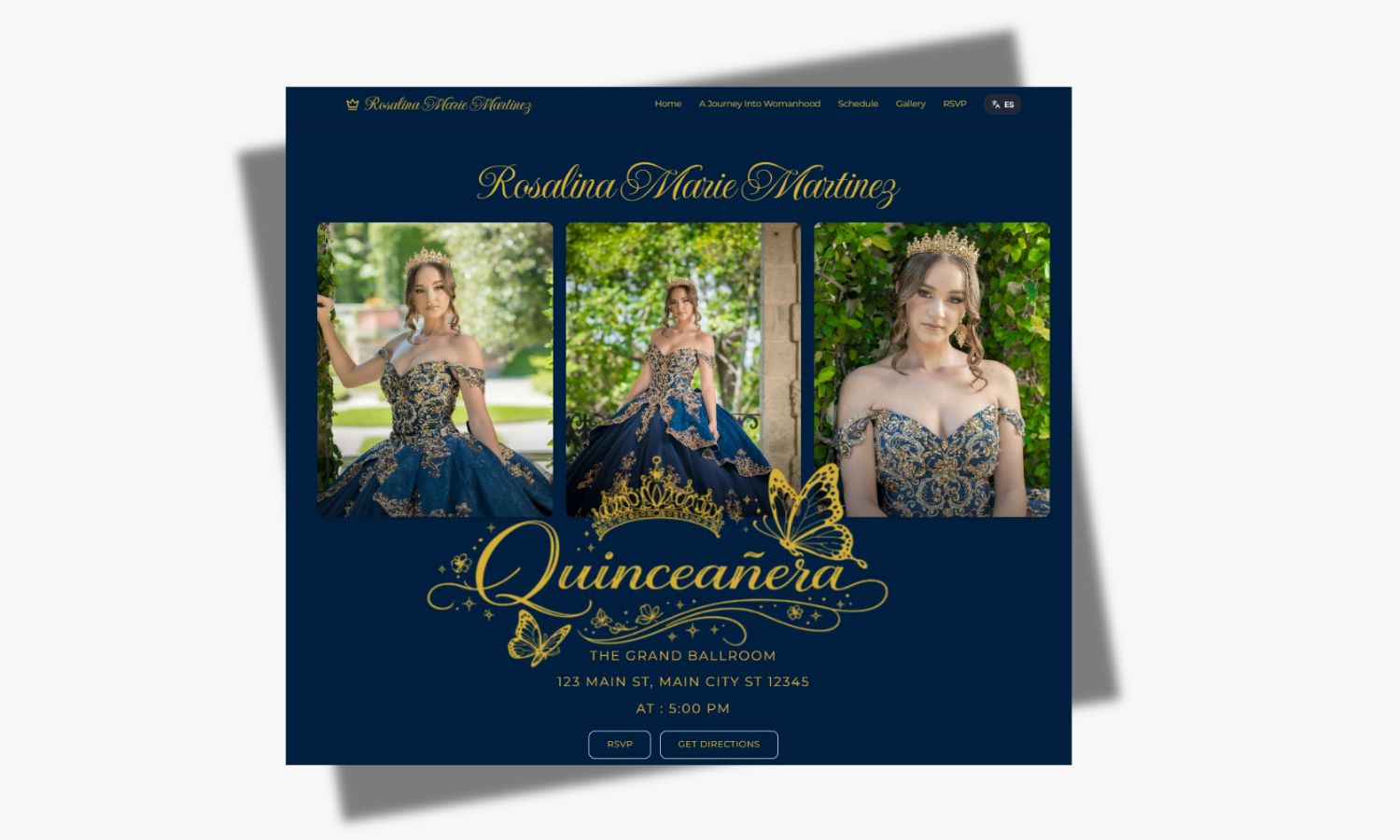
Send Invitations with Streaming Details
Provide clear instructions to your distant guests on how to access the live-stream, including:
- Platform name and link or app access.
- Login credentials if required.
- Event schedule and time zone conversions.
- Etiquette for virtual participation and chat usage.
Interact with Virtual Guests
Encourage remote family members to engage through comments, sending virtual congratulations, or participating in designated online activities like:
- Live chats moderated by your host.
- Polls or Q&A sessions.
- Virtual guestbook signings before or during the event.
Record the Live-Stream
Make sure to capture a high-quality recording of the live event. This allows family members who cannot join the live broadcast due to time zone differences to watch at their convenience.
Common Challenges and How to Overcome Them
Live-streaming a Quinceañera has its complexities, but anticipating challenges can help you stay prepared.
Technical Glitches
- Test all equipment multiple times before the event.
- Have backup batteries, cables, and devices ready.
- Consider professional tech support or a streaming service with live tech assistance.
Audio Issues
- Use external microphones rather than relying on camera mic inputs.
- Minimize background noise by controlling venue sound system.
- Test sound levels during rehearsal and make necessary adjustments.
Time Zone Confusion
- Share event times in multiple time zones relevant to your viewers.
- Send reminders 24 hours and 1 hour before the event.
- Include links to online time zone converters in the invitations.
Additional Tips for a Memorable Quinceañera Live-Stream
- Decor and ambiance: Make sure the venue is well decorated and visually appealing on camera.
- Test lighting setups: Avoid harsh backlighting and dark shadows by arranging lights thoughtfully.
- Dress rehearsals: Confirm that all key moments are planned and timed with the live-stream portions.
- Inform photographers: Coordinate with your photographer to ensure no interference with the live-stream.
- Backup power supply: Use UPS or generators to prevent power outages from disrupting the stream.
Summary
Live-streaming your 2026 Quinceañera is a heartfelt way to bridge distance and make sure all your loved ones, near and far, can celebrate this important milestone with you. With the right planning, equipment, and platform, your virtual guests will feel present and involved in every special moment. By embracing these live-streaming tips and strategies, you can create a memorable and inclusive Quinceañera experience that honors family connections worldwide.