Understanding the Importance of "Save the Dates" in Wedding Planning
When planning a wedding, sending out save the dates is one of the first and most important steps to ensure your guests mark their calendars well in advance. These notifications help set the tone and generate excitement for your special day. However, it can be challenging when you haven't finalized your wedding venue yet. Couples often wonder how to effectively manage "save the dates" without a confirmed location.
In this guide, we'll explore practical strategies on how to handle "save the dates" during this uncertain phase of wedding planning. From timing considerations to design tips and alternative messaging options, you’ll learn how to keep your guests informed without committing to a venue too early.
Why Sending Timely "Save the Dates" Matters
Timing your "save the dates" correctly is critical for multiple reasons:
- Guest Availability: These notifications give your guests ample time to plan for travel, accommodations, and time off work.
- Higher Attendance: Early notice often results in a better turnout as people can arrange their schedules.
- Wedding Planning Momentum: Sending "save the dates" marks the beginning of your wedding journey and builds excitement.
Typically, couples send "save the dates" about 6 to 8 months before the big day, or even earlier for destination weddings. But what if your venue is still undecided by then?
Challenges of Sending "Save the Dates" Without a Final Venue
There are several concerns that arise when you haven't locked down a venue but want to send out "save the dates":
- Lack of Specific Location: Guests may be confused without a clear venue address and details.
- Potential Changes: Venue confirmation might come after guests have received "save the dates," causing mixed messages.
- Design Constraints: Typical "save the date" cards or digital announcements often highlight the venue prominently.
Despite these challenges, you can still effectively notify your guests while finalizing your venue. Below are key approaches to consider.
How to Write "Save the Dates" When the Venue Is Not Finalized
1. Use a General Location Instead of a Specific Venue
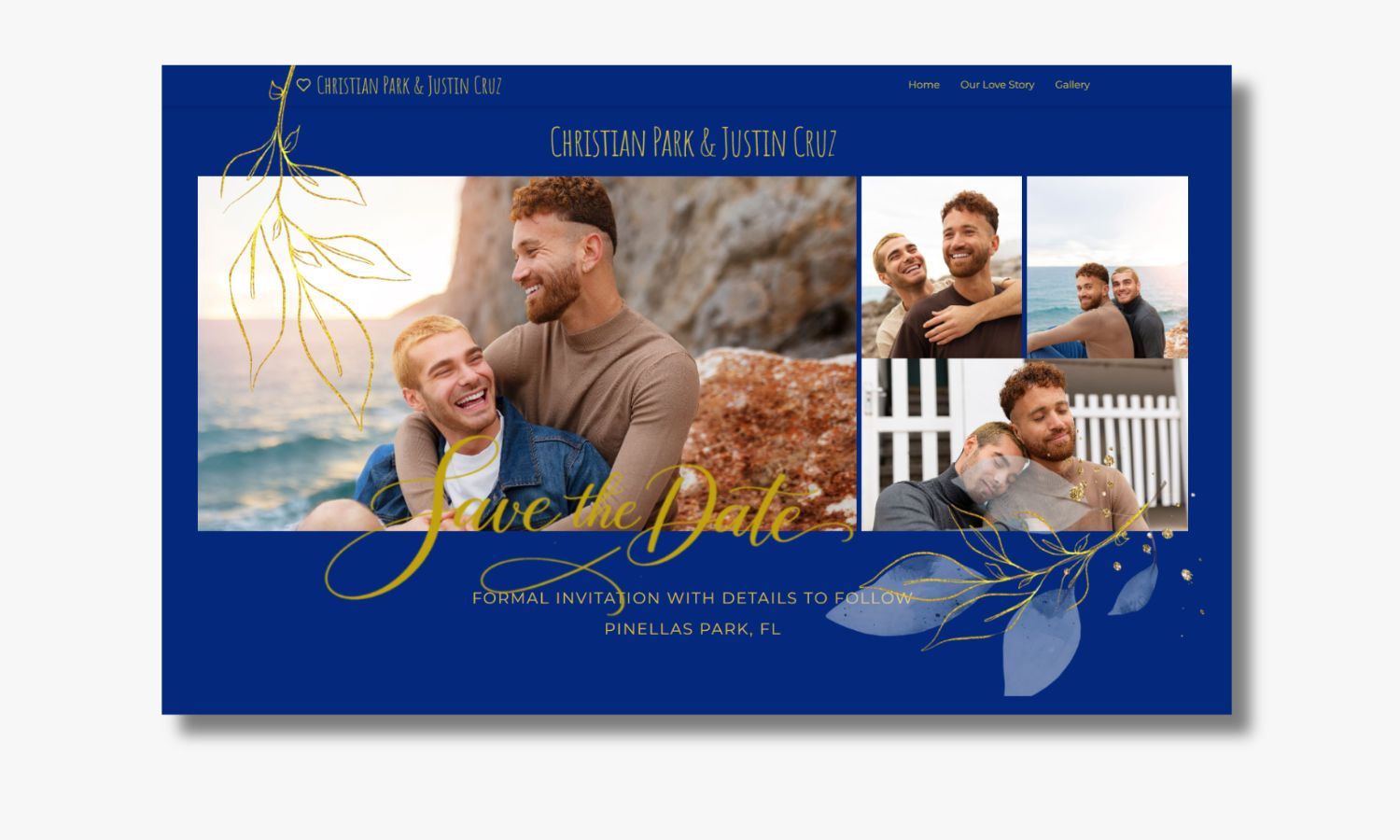
If you know the city or general area but not the exact venue, include that information. For example, instead of writing "The Rosewood Garden, Downtown Chicago," say "Chicago, Illinois." This approach provides guests with at least a geographical frame of reference, helping them plan travel arrangements and accommodations.
2. Include a Note About Venue Details to Follow
Consider adding a simple line such as "Venue details to be announced" or "Location to be finalized – more information coming soon." This manages expectations while keeping guests informed.
3. Use Your Wedding Website as a Dynamic Information Hub
Including a URL to your wedding website on the "save the date" allows guests to check updates regularly. Once you finalize the venue, you can post all essential details on the website. This is especially useful for altering venue information without the need to reprint or resend physical cards.
Designing Your "Save the Dates" Without a Venue
Creative Ways to Compensate for Missing Venue Info
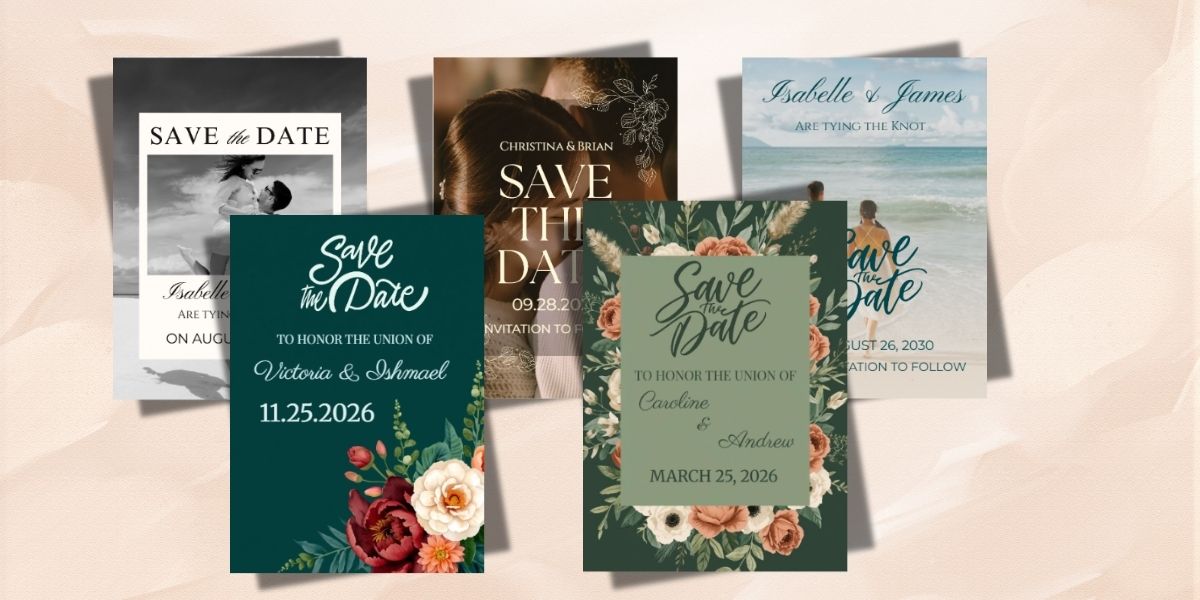
Even without a specific venue, your "save the dates" can be beautiful and informative. Here are design tips:
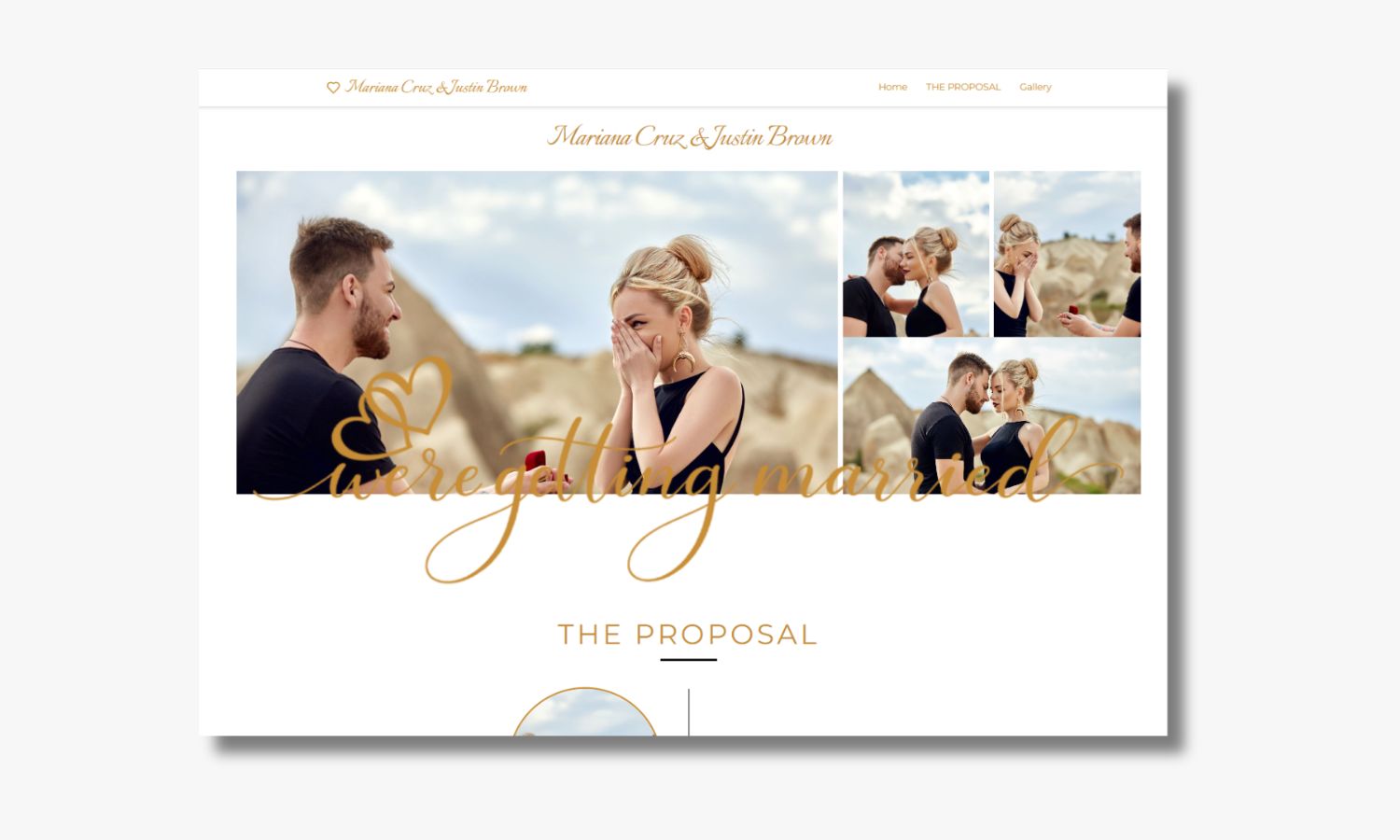
- Focus on Your Names and Date: Highlight the photo of the couple, wedding date, and city as the main features.
- Use Themed Designs: Select design elements that reflect your wedding style or season — this builds anticipation.
- Minimalistic Design: A simple, elegant design emphasizing the date and location can be very effective without venue details.
- Digital Options: Save the dates sent via email or wedding apps can be quickly updated with venue details as they become available.
Timing Your Save the Dates for Maximum Impact
When Is the Right Time to Send Save the Dates Without a Venue?
Generally, send your save the dates about 6 to 8 months prior to your wedding date. If you’re still deciding on a venue, aim to:
- Send preliminary save the dates: Share the date and general city a little earlier to allow guests to make initial travel arrangements.
- Follow up with final details: Once the venue is booked, send an official invitation or a wedding website update with precise location information.
This two-step communication approach helps keep your guests informed while allowing you flexibility during venue negotiations.
What About Invitations? How Do They Differ From Save the Dates?
It’s important to distinguish between "save the dates" and wedding invitations:
- Save the Dates are early notifications with basic info (date and location) primarily for scheduling.
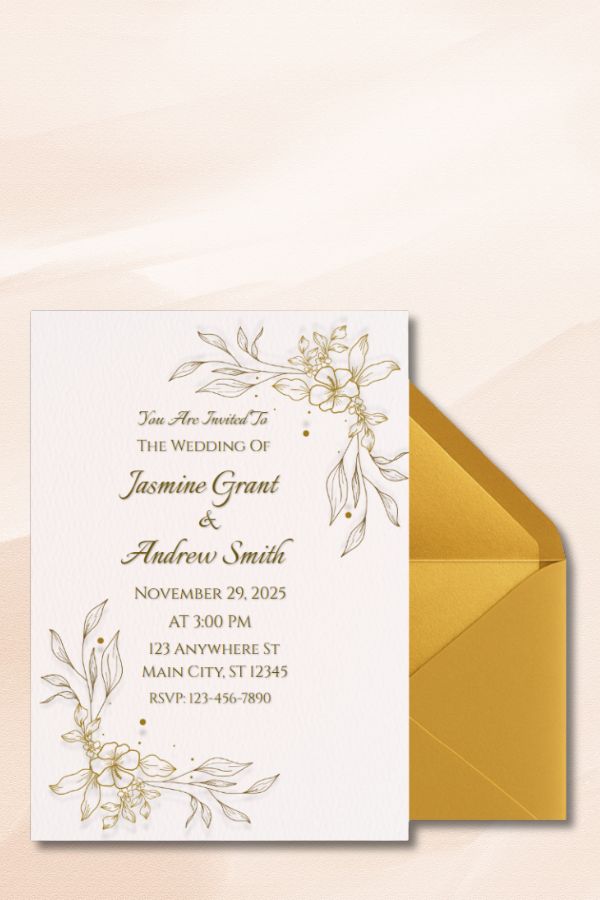
- Invitations are formal requests usually sent 6 to 8 weeks before the wedding and include detailed venue information, directions, RSVP, dress code, and other important notes.
You can always send save the dates first with tentative info, then send invitations once venue details are confirmed.
Alternative Options When You Don’t Have a Venue Finalized
Consider Holding Off on Save the Dates
If you anticipate a delay in securing a venue that exceeds the recommended timeline, it might be best to delay sending save the dates until you have critical details. You can then send them closer to the 6-month mark — early enough to help guests plan without causing confusion.
Send Digital Save the Dates with Update Features
Digital save the dates offer flexibility for last-minute changes. Services allow you to update venue details dynamically online. This minimizes the risk of misinformation and saves costs on physical reprints. Don’t forget to add links to your wedding website or RSVP portal where guests can get the latest updates.
Announce the Venue as "To Be Announced" With a Tentative Date
If you’re absolutely sure of your wedding date, send save the dates with just the date and wording like "Location to be announced." This confirms the date and paves the way for venue details in the near future.
Tips for Communicating with Guests About Venue Status
- Be Transparent: Let guests know you’re working hard to finalize the venue and will share updates promptly.
- Provide Multiple Contact Points: Include your wedding website, email, or phone number for guests who may have questions.
- Use Social Media Wisely: Private social groups or event pages on platforms like Facebook can be great channels to post live updates safely.
Common FAQ Related to Save the Dates and Venue Finalization
Can I include a tentative venue in my save the dates?
Yes, if you have a strong likelihood of booking a venue, you can include it with a disclaimer such as "subject to change." Just be prepared to inform guests if the venue changes later.
How far in advance should I lock in the venue before sending save the dates?
A good rule of thumb is to finalize your venue at least 6 to 8 months before the wedding date. This aligns well with the traditional send time for save the dates.
What if my venue changes after sending save the dates?
In case of a venue change, immediately update your wedding website and notify guests via email, social media, or formal inserts with the updated invitations if they have already been sent.
Final Thoughts on Managing Save the Dates with an Unconfirmed Venue
Sending "save the dates" when your venue is not finalized is definitely manageable with the right planning and communication strategies. Prioritize sharing your wedding date and city to allow guest planning while making it clear that venue information will follow. Utilize wedding websites and digital tools to keep everyone informed dynamically. With transparency and timely updates, your guests will be excited and ready to celebrate with you no matter the final location.